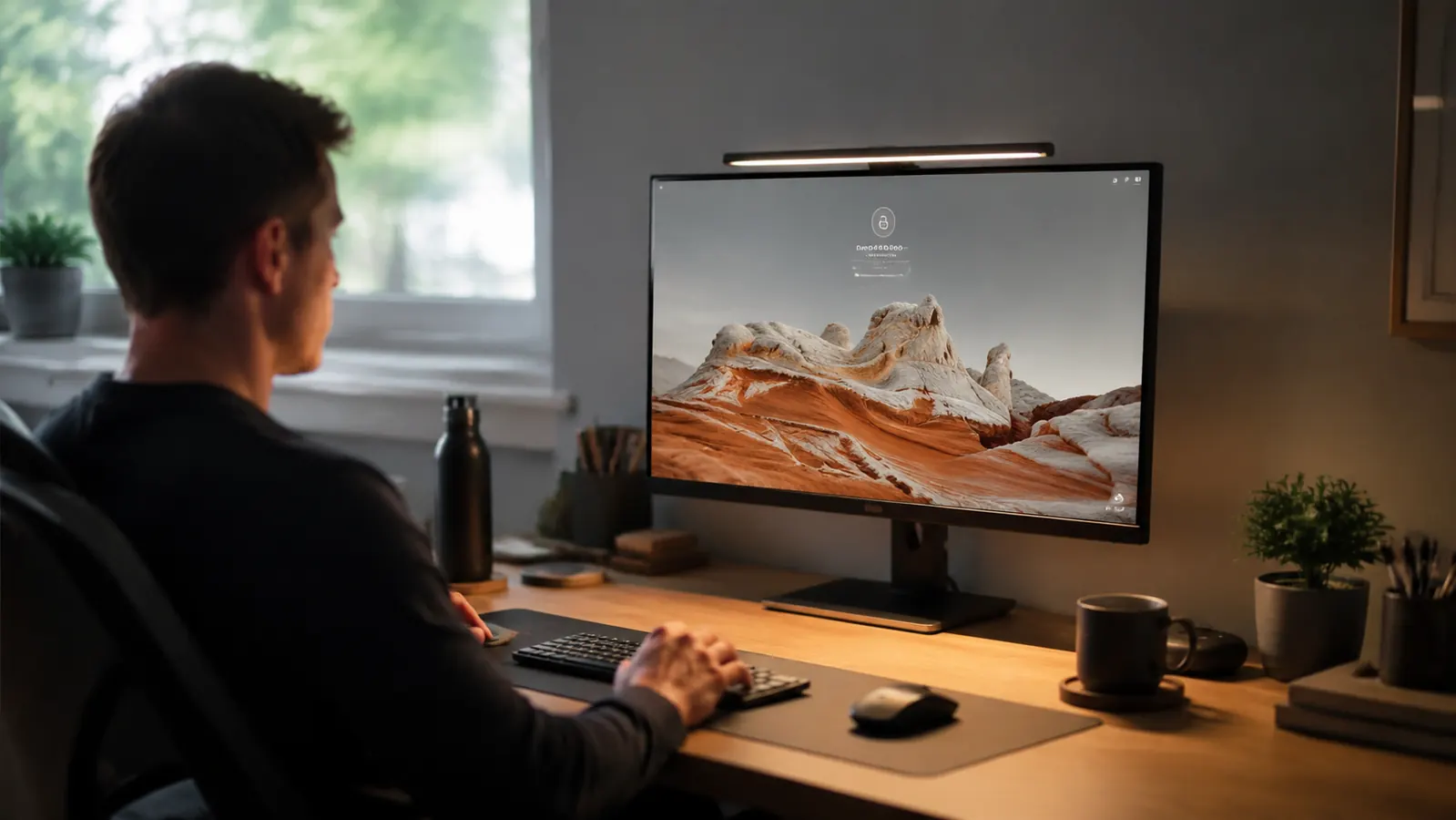
I had a desk lamp on my home office desk for three years. Never thought twice about it. Then I switched to a monitor-mounted light bar and realized the lamp had been actively working against me the whole time. The glare, the cord, the wasted desk space, the light pointed in entirely the wrong direction. Most remote workers are in the same situation and do not know it. Here are 10 specific reasons a monitor light bar is a better call than a traditional desk lamp for anyone doing serious screen work.
I have been using the Quntis monitor lamp for over a year now on a 27-inch display. It has 4.6 stars from more than 13,000 verified buyers on Amazon. The points below are drawn from that experience, not from a spec sheet.
Your desk lamp is probably causing glare you have stopped noticing.
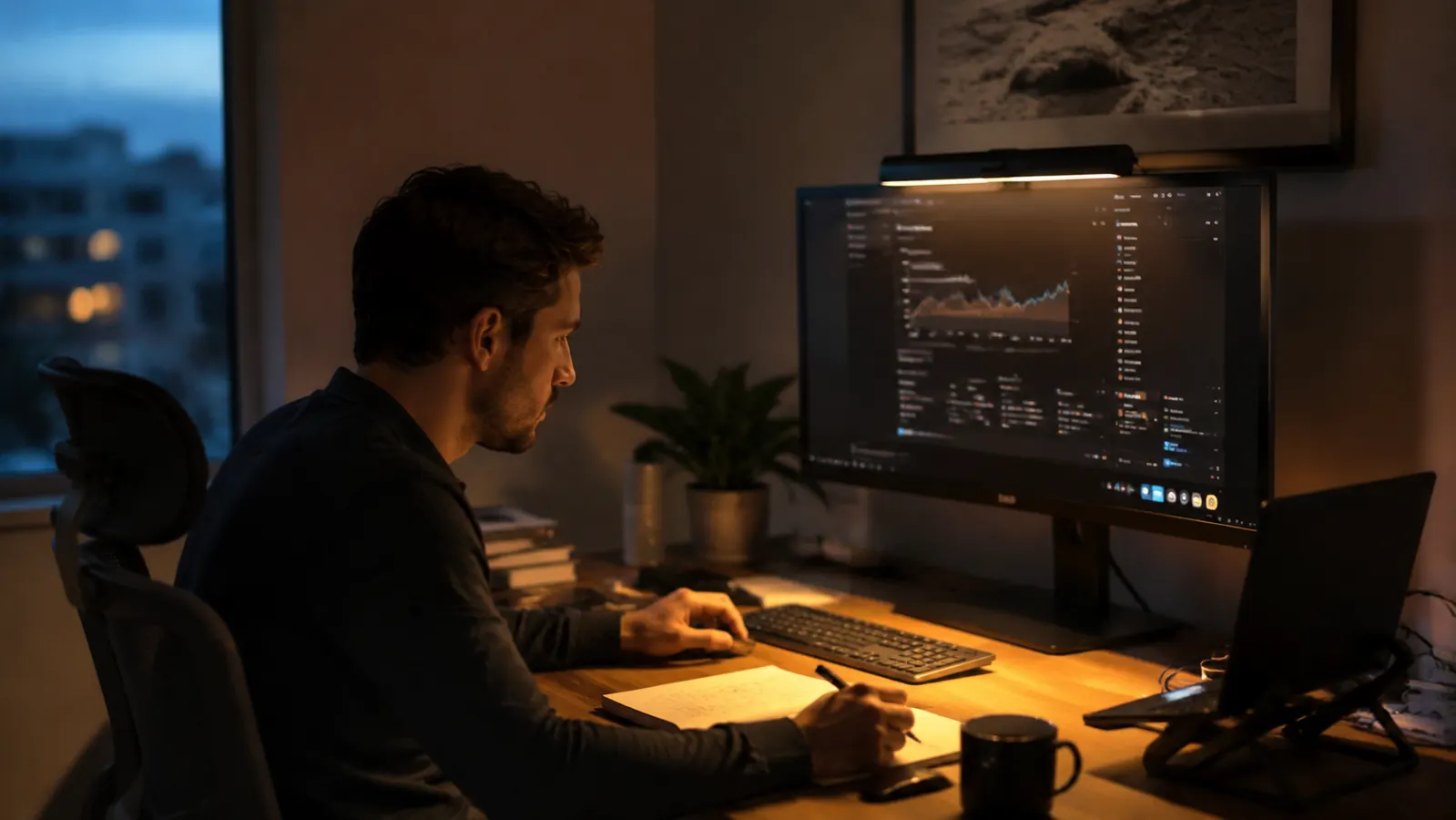
The Quntis monitor light bar sits on top of your screen, aims light only at your desk surface, and plugs into any USB port. No clamp. No arm. No glare. Over 13,000 buyers agree it works.
Amazon Check Today's Price on Amazon →It Produces Zero Screen Glare
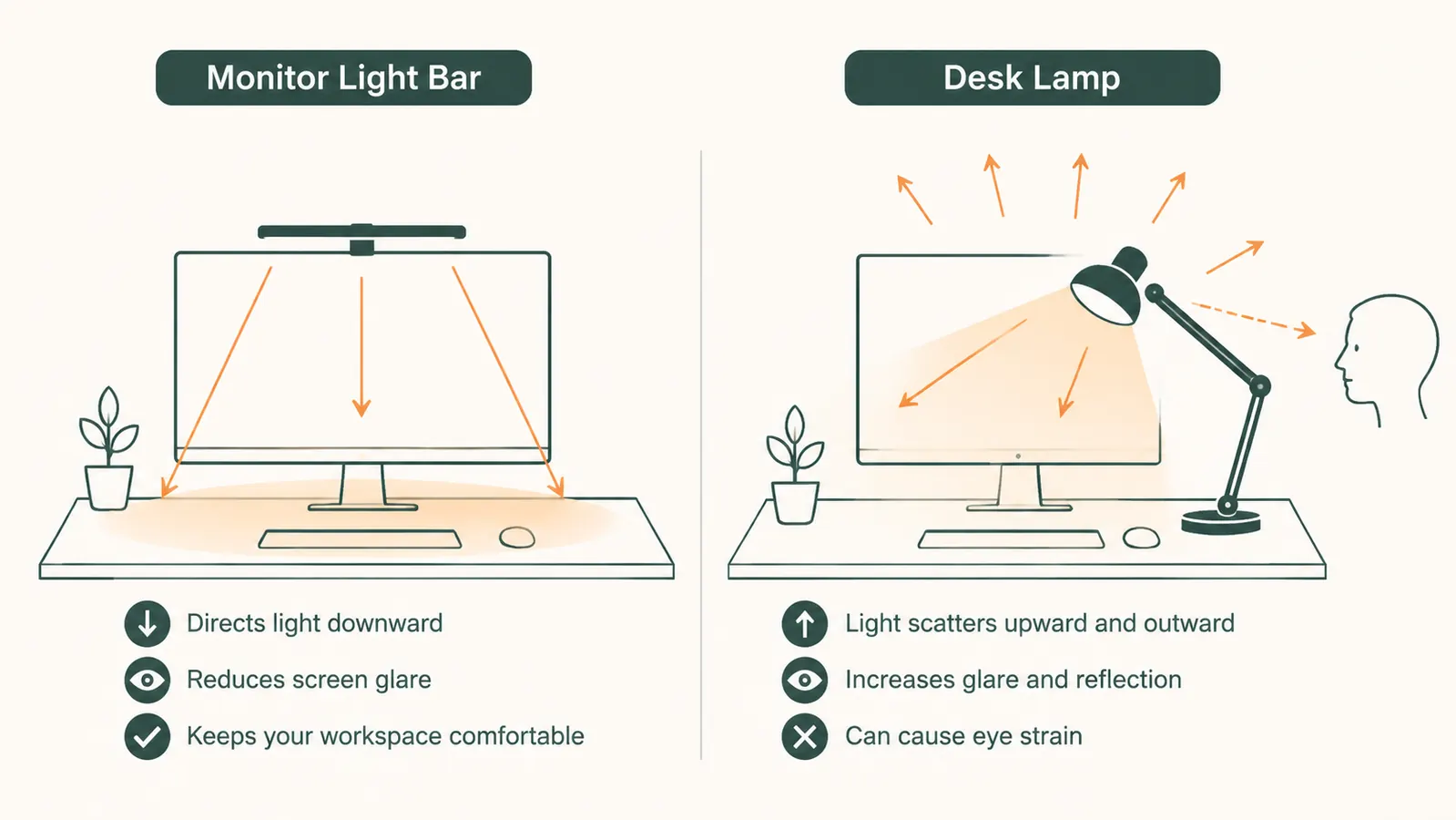
A standard desk lamp sits beside or behind your monitor and throws light in every direction, including straight into your screen. That reflection is a constant low-grade distraction. A monitor-mounted light bar is engineered with an asymmetric beam that points light downward toward your keyboard and documents only. The screen itself stays dark. This is the single biggest functional difference and every other reason flows from it.
It Frees Up Desk Space
A desk lamp takes up real estate: the base, the arm, the clearance around both. On a small or medium-sized home office desk that space is better used for a notepad, a coffee mug, or just breathing room. The Quntis light bar weighs 6.7 ounces and sits on the monitor bezel. It takes up exactly zero square inches of desk surface.
Setup Takes Under Two Minutes
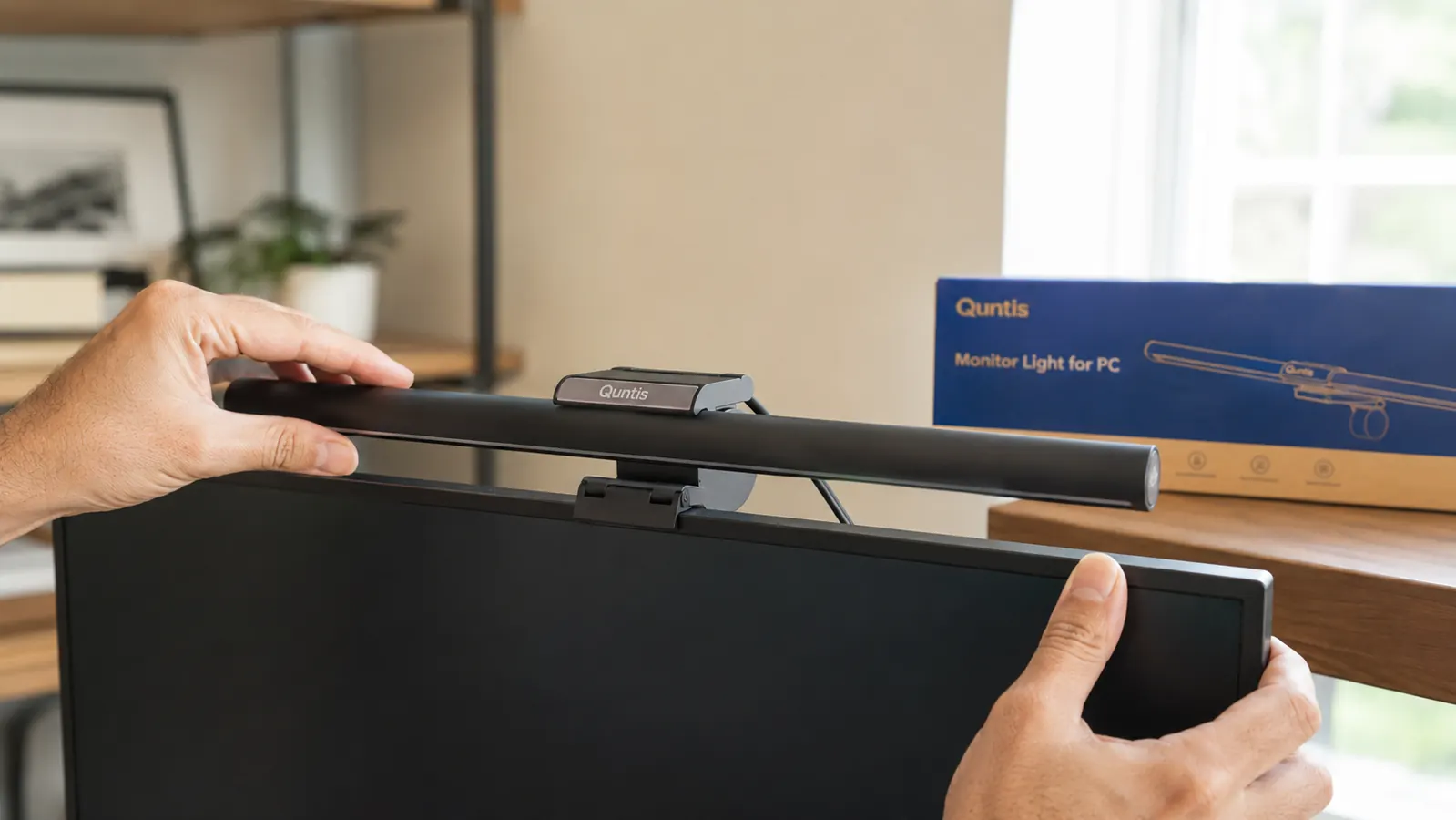
Clip it on. Plug the USB cable into the monitor's USB port or any charger. Done. There is no clamping to a desk edge, no threading cables through grommet holes, no adjusting a weighted base. If you move your monitor setup to a different room, the light bar moves with it in seconds.
It Draws Power From Your Monitor's USB Port
The Quntis lamp runs on 5V USB power. Plug it into the USB-A port on the side of your monitor and it powers on and off with the display automatically. No separate power cord to the wall. No extra occupied outlet on your power strip. That simplicity matters when your desk already has a PC, monitor, webcam, charger, and speakers all competing for outlets.
Color Temperature Is Adjustable
The Quntis bar offers a range from warm 2700K to a cooler 6500K. In the morning I run it around 4000K for neutral, focused light. In the evening I dial it back to 3000K to avoid telling my brain it is noon at 9pm. A standard desk lamp gives you whatever bulb you screwed in. You do not get to change it without buying a new bulb.
Brightness Is Precisely Controlled
The touch bar on the Quntis lamp gives you stepless brightness adjustment. Overcast day when you need more light: slide it up. Evening when the room is darker and you want soft illumination: slide it down. The range is wide enough that I rarely use it at full power. Most desk lamps are either on or off, sometimes with a two-position switch if you are lucky.
The glare from my old desk lamp had become background noise. I stopped noticing it until it was gone. My eyes stop aching by 4pm now. That change happened in the first week.
It Keeps Your Desk Looking Clean
A monitor light bar tucks the light source entirely behind the monitor's top edge from your sitting perspective. Visitors on video calls see a cleaner desk. Your screen recordings look more professional. It is a small visual detail that matters more than you expect if you spend time on camera for work.
It Reduces Eye Strain During Long Screen Days
Eye strain from screens is not just about the screen itself. It is about contrast: your bright display sitting in a dim room creates a high-contrast edge that forces your eyes to constantly re-adjust. A light bar reduces that ambient-to-screen contrast gap by gently lifting the brightness of the space in front of you. For anyone logging eight or more hours at a monitor, the cumulative difference across a week is real. For more on this, see our guide to setting up bias lighting for your monitor.
It Works on Curved Monitors Without Falling Off
A lot of home office setups now use curved ultrawide monitors. Standard desk lamps obviously do not care about monitor curvature, but clip-on lamps can slip. The Quntis uses a gravity-clip design with enough grip depth to stay put on curved bezels up to a certain radius. I have tested it on a 1500R curved display without any issues. Just confirm your monitor's top bezel is at least 8mm thick before ordering.
The Price-to-Value Ratio Makes It an Easy Call
A decent desk lamp that actually does the job well starts at $30 and takes up space, creates glare, and cannot adjust color temperature without a smart bulb upgrade. The Quntis monitor lamp is a single purchase at around $40 that eliminates all of those tradeoffs at once. At 4.6 stars across more than 13,000 Amazon reviews, the consensus from buyers is clear. This is not a product that over-promises. It does one focused job and does it well.
What I'd Skip
Cheap no-name light bars with only a single brightness level and no color temperature control. I have tested two and both felt like a work in progress. You lose reason number 5 and reason number 6 above, which are arguably the most useful features. Stick with a brand that has enough reviews to tell you how it holds up after a year. The Quntis has 13,000-plus of them. That track record matters more than saving $8.
Also worth reading if you want to go deeper: my full year-long review of the Quntis monitor light bar covers brightness measurement, touch-control accuracy, and how it holds up compared to pricier options. And if you want to combine the light bar with monitor backlighting for maximum eye comfort, the step-by-step guide to bias lighting setup walks through exactly how to do it.
Ready to clear the desk and stop squinting at screen glare?
The Quntis monitor light bar clips on, powers from your monitor's USB port, and adjusts from 2700K to 6500K. It is a $40 fix to a problem most remote workers have been ignoring for years.
Amazon Check Today's Price on Amazon →