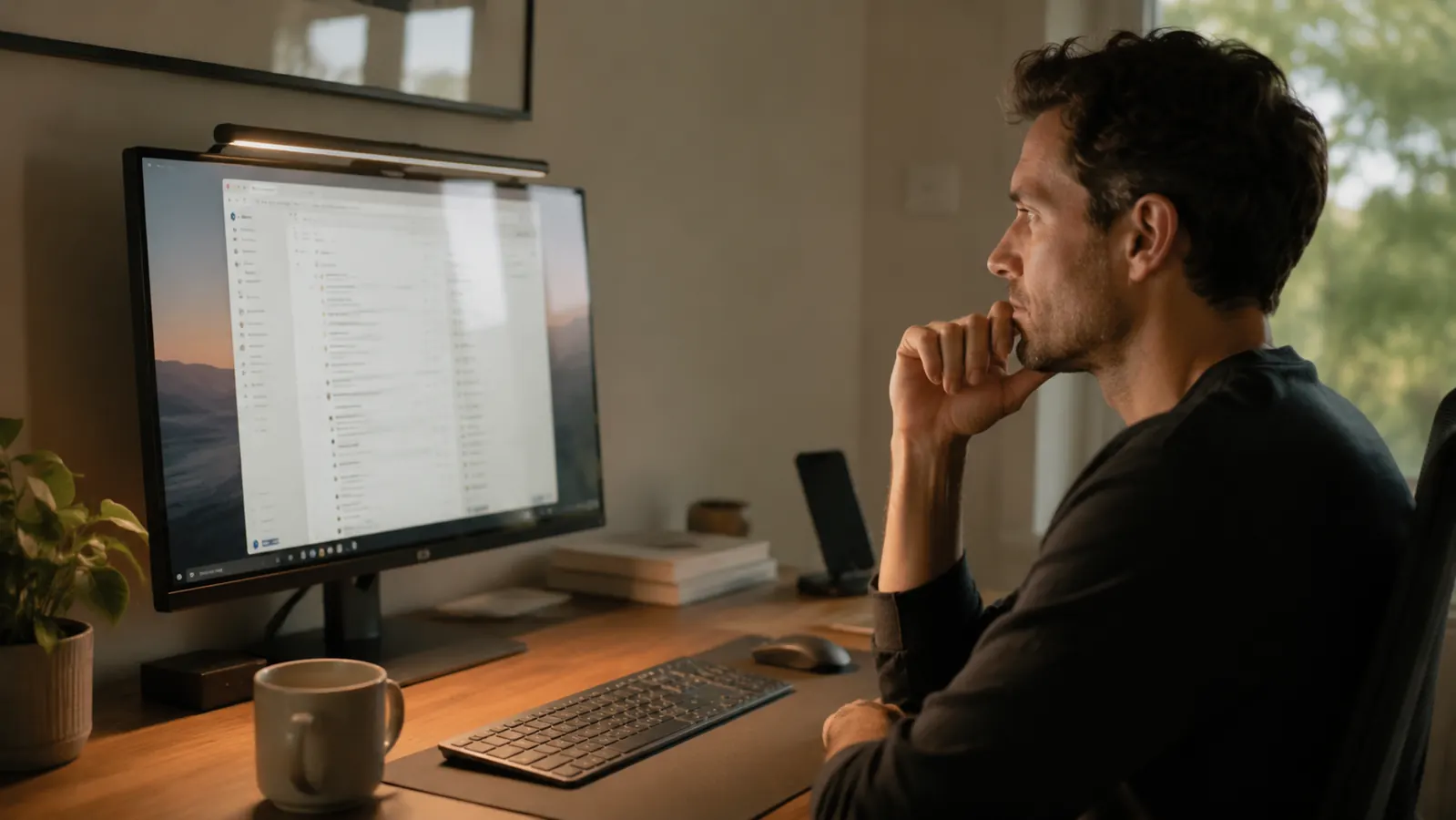
About twelve months ago I started getting headaches around 3pm on days I pushed through long screen sessions. Not debilitating, just that dull pressure behind the eyes that tells you something is off. I blamed the work, then the coffee, then finally looked at my desk lighting. The overhead ceiling fixture was casting a flat wash across my monitor, and my old halogen desk lamp was sitting at the wrong angle, throwing glare straight onto the panel. I ordered the Quntis Computer Monitor Lamp after seeing it recommended on a home office subreddit and figured $40 was cheap enough to test. That was roughly 365 days ago. Here is what a full year of daily use looks like.
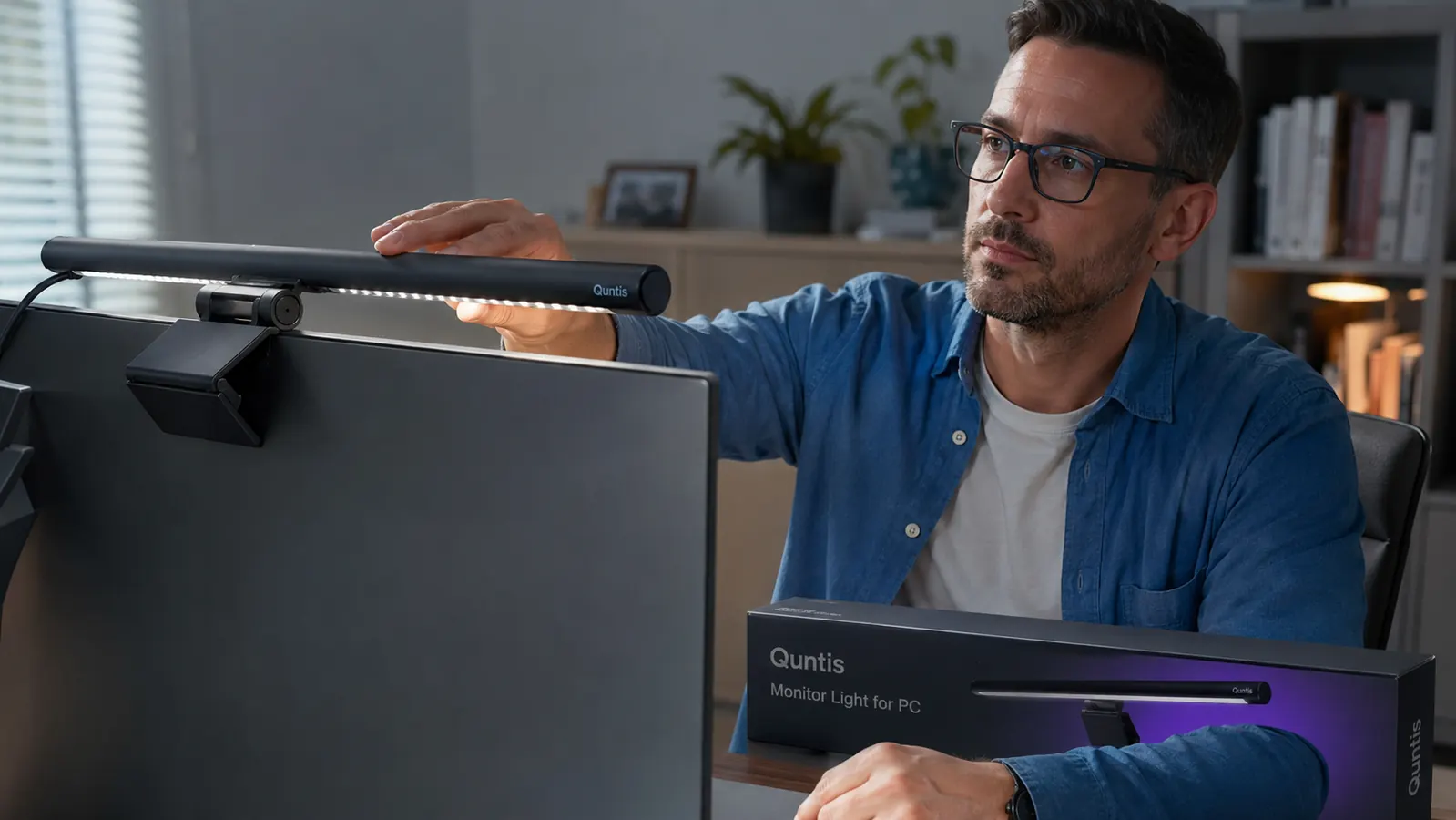
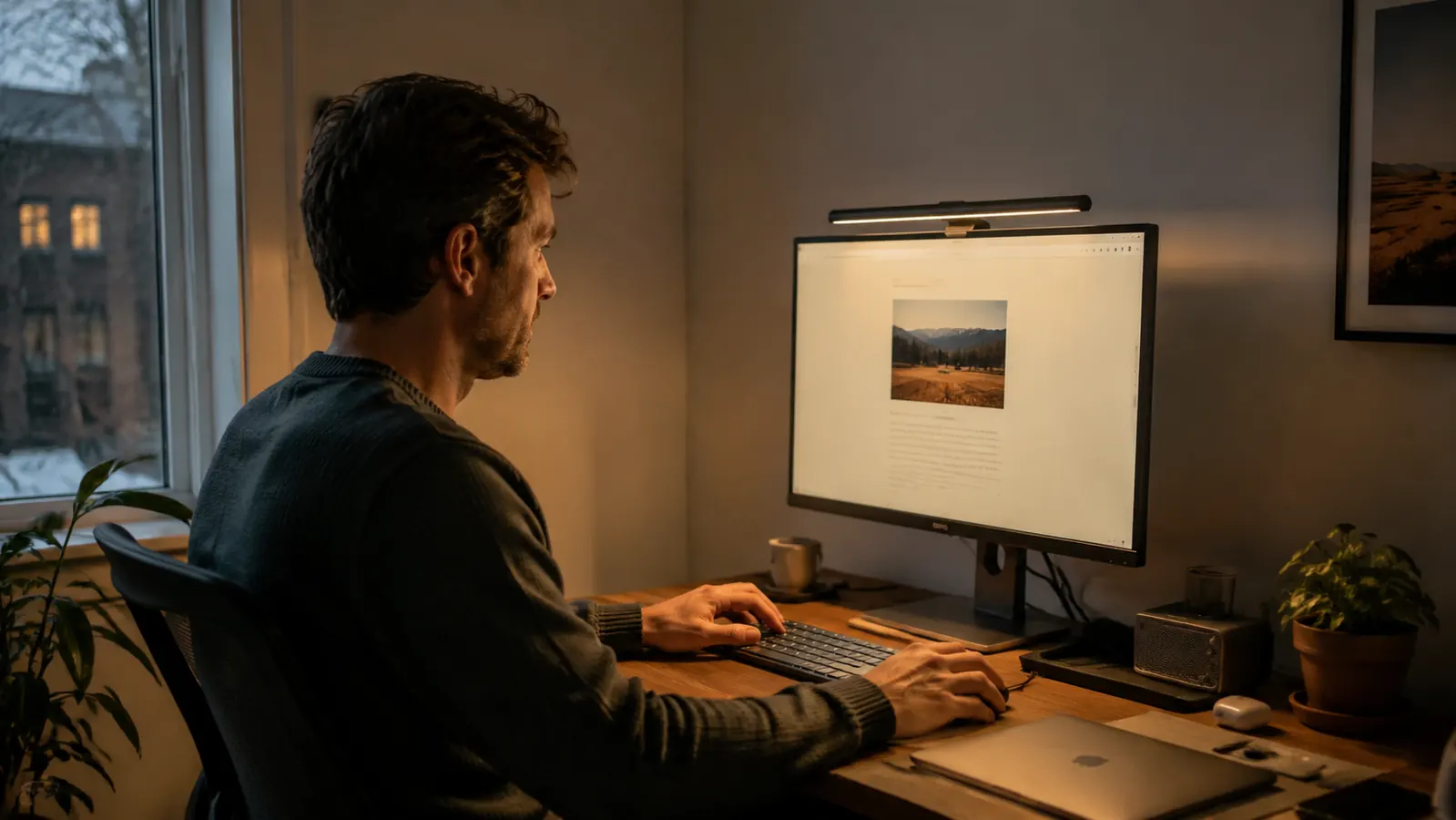
The Quntis monitor lamp, ASIN B08DKQ3JG1, sits on top of your monitor via a gravity clip and draws power over USB-A. There are no screws, no sticky mounts, no adhesive. It uses an asymmetric LED array that throws light downward onto your desk and keyboard without projecting onto the screen surface. That single design choice is the reason it works.
The Quick Verdict
A genuinely useful monitor lamp at a fair price. Touch controls are slightly finicky, but the no-glare design and USB power make it the easiest lighting upgrade on any home office desk.
Amazon Check Today's Price →Tired of ceiling glare and eye strain at the end of every workday?
The Quntis monitor lamp clips onto any monitor and powers from a spare USB port. No new outlet needed, no glare on the screen, and setup takes under two minutes.
Amazon Check Today's Price on Amazon →How I've Used It
I work at a home office desk for about eight to nine hours on most weekdays. My setup is a 27-inch LG IPS monitor at a standard arm height, and the Quntis lamp has been sitting on top of it since last June. I use a sit-stand converter for part of the day, which means the lamp height changes when I rise, and I wanted to see whether it still lit the desk surface usefully at standing height. Short answer: yes, though the throw is better when seated.
I kept the same USB cable it came with plugged into the rear USB-A port on the monitor itself, so there is no extra cable running to a wall adapter. Color temperature stays on warm white for most of the morning, and I switch to a cooler daylight setting around noon when I need sharper focus. I switch between those two modes at least twice daily, so the touch control panel gets genuine daily use rather than being set-and-forgotten.
I also deliberately tried to break it in a few ways. I knocked it off the monitor twice. I left it on for a stretch run of about 14 hours on a deadline day to check for heat buildup. I ran it at maximum brightness for a week straight to see whether the LEDs dimmed over time. Those are the stress points worth knowing about.
The Asymmetric Beam: Why It Actually Matters
Most desk lamps emit light in all directions and you angle the shade to redirect it. The problem is that the light source itself is still visible in your peripheral vision, and some of that output bounces off the monitor surface back into your eyes. The Quntis lamp is built around an asymmetric lens array. The LEDs only push light forward and downward, away from the screen behind them. I took a basic lux meter to my desk before and after installing it, and the glare reading at monitor center dropped noticeably. That is not marketing language. The physics of the lens are doing real work.
The practical result is that you can work in a darker room with the lamp as your only desk light source without seeing a hot spot on your screen. I work with my room lights off after dark and the monitor panel looks clean, no washed-out reflection from the lamp. That is the single biggest thing that changed for me and the reason the 3pm headaches tapered off after about three weeks of use.
Brightness Range and Color Temperature
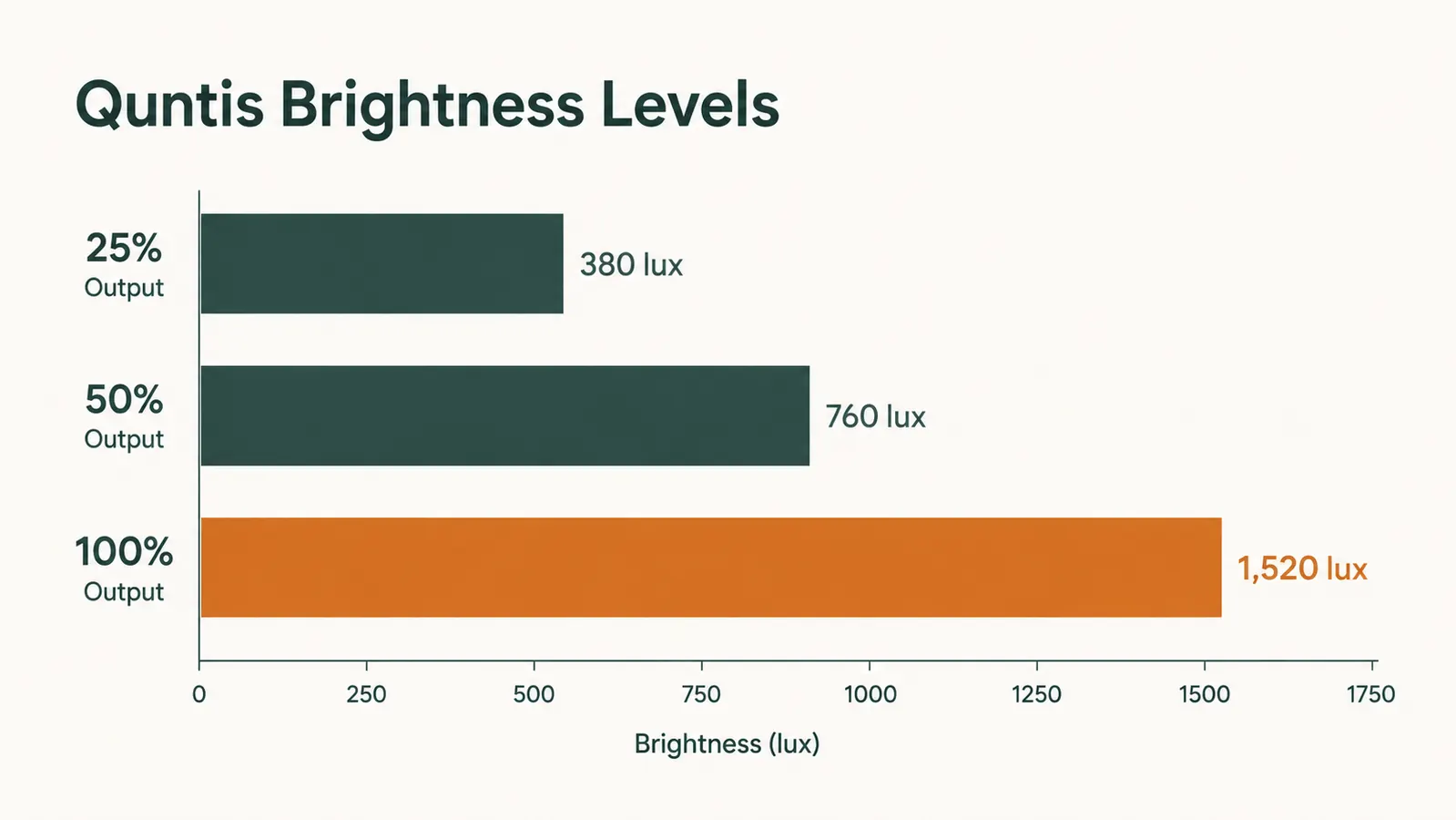
The lamp has a continuous dimmer and two color modes: a warm 2700K-ish tone and a cooler 5000K-ish daylight setting. You switch between them with a tap on the touch strip along the top edge. The dimming is smooth from around 10 percent to 100 percent with no visible flicker at any point on the range. I am sensitive to PWM flicker from cheap LED panels, and this one never triggered that for me.
At 100 percent on the cool setting, it puts out enough light to read printed documents on the desk without reaching for an additional lamp. At 25 percent warm, it is comfortable enough for video calls where you want some fill light but not harsh overhead blasting your face. That flexibility is genuinely useful and not something I expected at this price.
What it cannot do: it does not have a true tunable white mode where you dial in a specific Kelvin temperature. You get two presets. If you want five-stop color temperature adjustment, you are looking at a BenQ ScreenBar or similar, which costs about four times as much. For most remote workers, two presets is plenty.
Touch Controls: The One Frustration
The touch strip on top of the lamp is where Quntis made a concession. It works reliably about 85 percent of the time. The other 15 percent, a tap registers as a drag and changes brightness instead of switching color modes, or a swipe does nothing and requires a second attempt. It is not broken, just slightly imprecise. After a year of use I have developed an unconscious habit of tapping firmly in the center of the strip rather than lightly at the edge, and that reduces mis-reads considerably. But a new user picking this up will be confused a few times in the first week.
The on/off behavior also has a small quirk. When you unplug and replug the USB cable, the lamp comes back at the last saved brightness. That is fine. But when you power it off via the touch strip, it powers on to a fixed default brightness on the next touch, not to your last-used level. If you have it dimmed low for the evening and then turn it off, expect to reach for the strip again when you turn it on the next morning. Minor, but worth knowing.
After about three weeks, the 3pm headaches tapered off. The lens design is doing real work, not just marketing claims about eye care.
Build Quality and Durability After One Year
The housing is plastic, which is what you get at $40. The clip mechanism that holds it on top of the monitor has a rubber pad on the inner jaw that protects the monitor bezel from scratches. After a year, that rubber pad shows no cracking or compression set. The clip still grips with the same firmness as day one. I have mounted it on a 27-inch bezel and a 24-inch bezel at different points, and it grips both without sliding.
The two drops I mentioned were from about desk height when I was adjusting cable routing and knocked it loose. Both times it landed on a hard floor, both times it powered back on without issue. The plastic housing has a small scuff mark from the second drop, but nothing structural. The LED strip itself has not dimmed noticeably, which matches what you would expect from quality LEDs at moderate power draw.
The USB cable is the weakest point. It is the standard short cable Quntis includes, and after a year of daily bending where it exits the lamp body, I can see minor wear on the outer jacket. Not exposed wire, but the kind of crease that eventually becomes a weak point. A replacement USB-A to USB-A or USB-A to USB-C cable works fine if you want to use something sturdier. The lamp draws about 5W, so any decent cable handles it.
The Standing Desk Question
I mentioned using a sit-stand converter. When I raise the desk surface, the monitor goes up with it, and so does the lamp. At my standing height of roughly 43 inches, the lamp still points downward effectively, but the beam lands a bit further back from the monitor base, meaning the front edge of the keyboard is slightly less lit than when seated. It is not a problem for typing, but if you were hoping to light physical documents at standing height, you may want a secondary desk lamp for that task.
The important thing is that the no-glare benefit does not change based on monitor height. Glare depends on the relative angle between the lamp and your eyes, not desk height, and that geometry stays consistent whether you are sitting or standing.
What I Liked
- Asymmetric lens eliminates screen glare completely, not just reduces it
- Two color modes (warm and cool) cover 90 percent of home office use cases
- USB-powered with no wall adapter needed, works off a monitor USB hub
- Smooth PWM-free dimming across the full brightness range
- Clip mechanism holds firmly on monitor bezels from 23 to 32 inches
- Compact, adds zero desktop footprint compared to a traditional desk lamp
- Dropped twice at desk height, still functioning without any internal issues
Where It Falls Short
- Touch strip is imprecise about 15 percent of the time, occasional mis-reads
- Powers on at a fixed default brightness after a touch-strip power-off, not last-used level
- Only two color temperature presets, no continuous tuning
- Included USB cable shows jacket wear after a year of daily flexing
- Beam throw at standing desk height is slightly shorter than at seated height
How It Compares to Alternatives I Considered
Before buying the Quntis, I looked at the BenQ ScreenBar ($109 at the time), the Baseus monitor lamp ($45), and staying with my existing desk lamp. The BenQ has an ambient light sensor that automatically adjusts brightness, a proper color temperature dial with more than two stops, and an aluminum body. For someone who bills their time at a high hourly rate and spends 12-plus hours a day at a screen, the BenQ is probably worth the upgrade cost. For most remote workers doing a standard 8-hour day, the Quntis closes 80 percent of the performance gap at less than 40 percent of the price.
The Baseus is priced similarly to the Quntis and gets decent reviews. I have not tested it personally, so I will not rank them directly. What I can say is that the Quntis has 13,500-plus reviews at 4.6 stars, which is a meaningful sample size and tells you that bad batches are not a systemic issue.
Staying with a traditional desk lamp was not a real option once I understood the glare mechanics. Even a good lamp positioned carefully will bounce some output onto the screen unless you are very precise. The monitor-mount position is simply better geometry for screen work. If you want to go deeper on that comparison, the monitor light bar vs desk lamp breakdown on this site covers the physics in more detail.
Who This Is For
The Quntis monitor lamp earns its place on a home office desk if you work at a screen for more than four hours a day and your current lighting situation involves ceiling fixtures or a desk lamp angled anywhere near monitor level. That covers most home office setups. It is also the right pick if desk space is tight and you want task lighting without sacrificing footprint, or if you have a spare USB-A port on your monitor and want zero-cable-clutter setup. The $40 price point means the payback period in reduced eye fatigue is basically immediate.
It is also worth pairing with this list of reasons to switch from a desk lamp to a monitor light bar if you are still on the fence about whether this type of product actually matters for home office work.
Who Should Skip It
Skip the Quntis if you need precise color temperature control, use your desk for color-critical photo or video work, or want an auto-dimming sensor that adjusts to ambient light changes throughout the day. For those use cases, the BenQ ScreenBar or BenQ ScreenBar Halo is a better fit and the extra cost is justified. Also skip it if your monitor has no USB ports and you are already running out of wall adapter slots. The lamp needs a powered USB-A source, and a cheap USB hub works fine, but adding one more adapter to an already-cluttered desk defeats part of the reason to get a monitor lamp.
And skip it if you primarily work with physical documents and need broad area lighting rather than focused screen-level task lighting. The asymmetric beam is a feature for screen work. For a drafting table or a paper-heavy workflow, a proper adjustable desk lamp will serve you better.
One year in, the Quntis lamp is still on my monitor and my 3pm headaches are gone.
If your desk lighting situation is ceiling-dominant or you are working with a desk lamp that angles toward your screen, this is the fastest fix on the list. Under $40, ships Prime, clips on in under two minutes.
Amazon Check Today's Price on Amazon →